A couple of years ago, I purchased a Z490 Aorus Elite mainboard; this monster has plenty of space for future updates. After installing KDE Neon 5, the ethernet card was not working. The culprit was the RTL8125 2.5GbE Controller or the lack of support for it. I managed to fix that issue by updating the kernel (instead of returning the mainboard).
I will test kernels 6.0.3 and 6.0.8 on my Lenovo Thinkpad T14.
About my Thinkpad T14
This laptop has a Core i7 10510U processor and 16 gigs of RAM; it also came with Windows 10 Pro installed -I replaced Windows with the lovely KDE Neon. Such specs are decent for virtualization, software development, and everything else.
Let’s commence the experiment.
Buahaha!
Quick kernel test
When you visit https://kernel.ubuntu.com/mainline, the site has a long list of kernel versions, I opened the v6.0.3, and the content of the directory is divided according to the processor architecture, the first section belongs to amd64 (the one I need), then ARM and PowerPC follows.
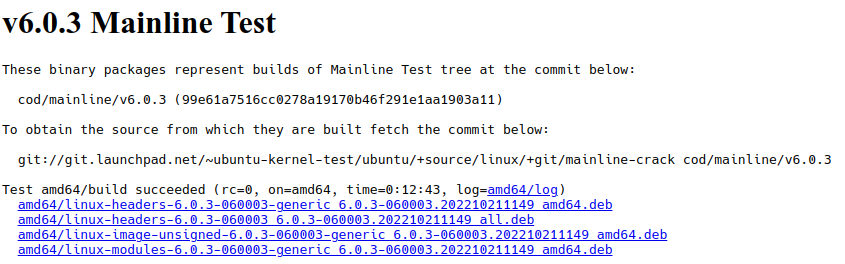
Download the 4 packages in a separate directory, let’s say downloads/k6.0.3 in your home directory and then run:
cd ~/downloads/k6.0.3
sudo dpkg -i *.deb
Warning: Do not execute the above command in a directory when there are other deb files.
Once rebooted is working as expected, except the sound is not:
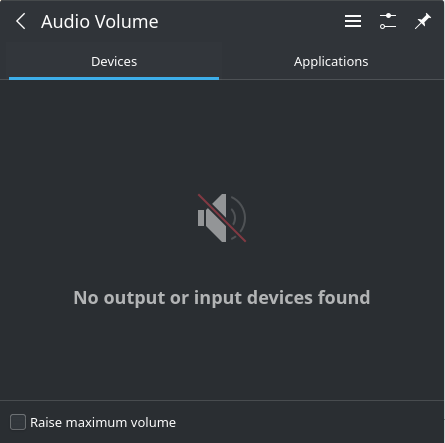
When version 6.0.3 was the latest one, one quick solution was reverting back to the previous kernel. Luckily enough, now there are versions 6.0.4 to 6.0.8:
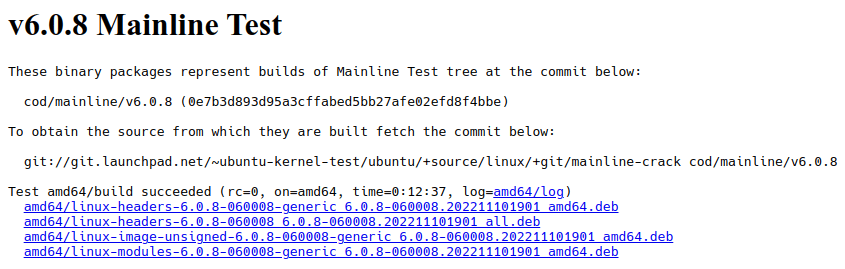
So I repeated the above commands, this time using the latest 6.0, and the result was:
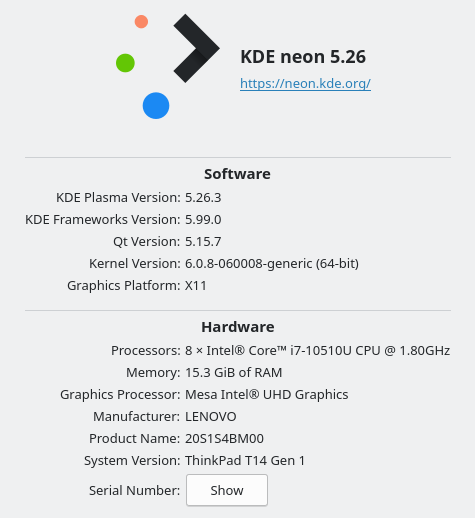
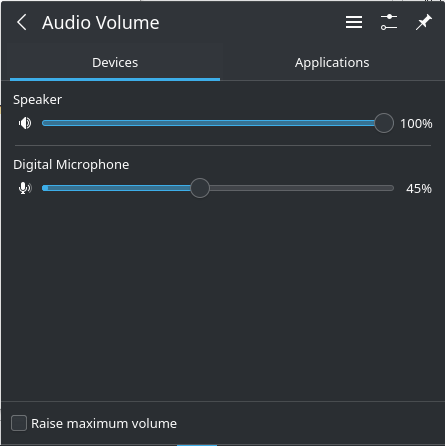
This ends the following guide, but it is just the beginning of the testing journey.
Thanks for visiting.


